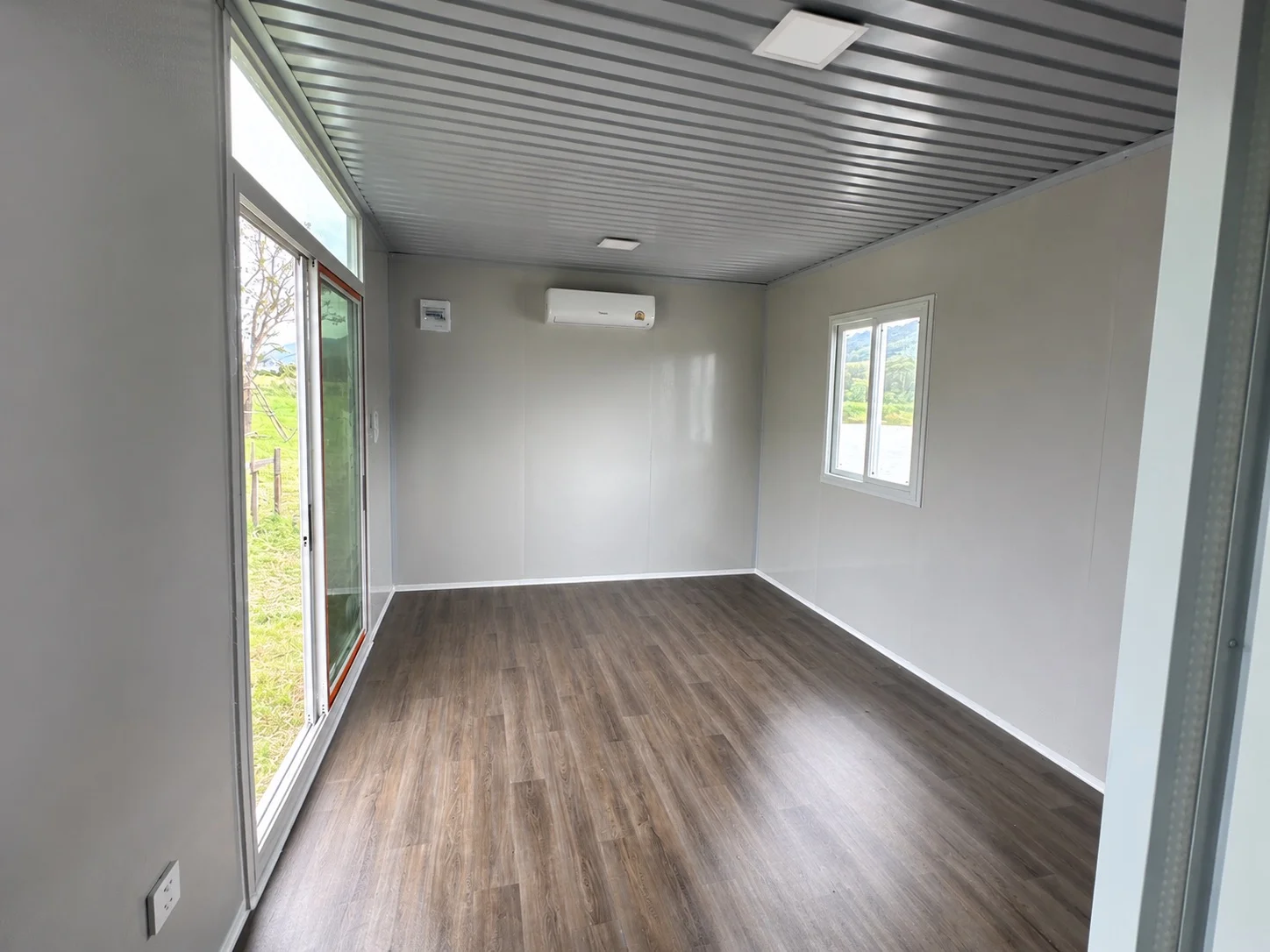
A prefab office can provide a workspace separate from your home or operations area. Start with activities and equipment, not the number of desks in a photograph. Planning space, electricity, internet and cooling together can reduce changes after installation.
This guide prepares a discussion with the seller and technicians. It is not an electrical circuit design. Cable sizes, protective devices, earthing and supply connections require qualified design and checking for the actual site.
Define how the office will work
Separate regular staff from occasional visitors, then identify customer meetings, document storage and printing needs. Frequent video calls add sound and background considerations; a site office also needs attention to dust, cleaning and access.
- Desks and people using the room at the same time.
- Storage, documents and equipment kept away from desks.
- Operating hours and sun exposure during those hours.
- Access to bathrooms and necessary service areas.
- Parking and entrances that do not disrupt other work.
Make the layout practical
Measure desks with space for chairs and drawers. Do not block windows or electrical-panel access with cupboards. Test two people passing and equipment being brought inside. In a small room, a shared printer and storage zone may help.
Use the 18 sq m layout ideas to begin measuring before choosing the Homi A2 assembled home or another suitable model.
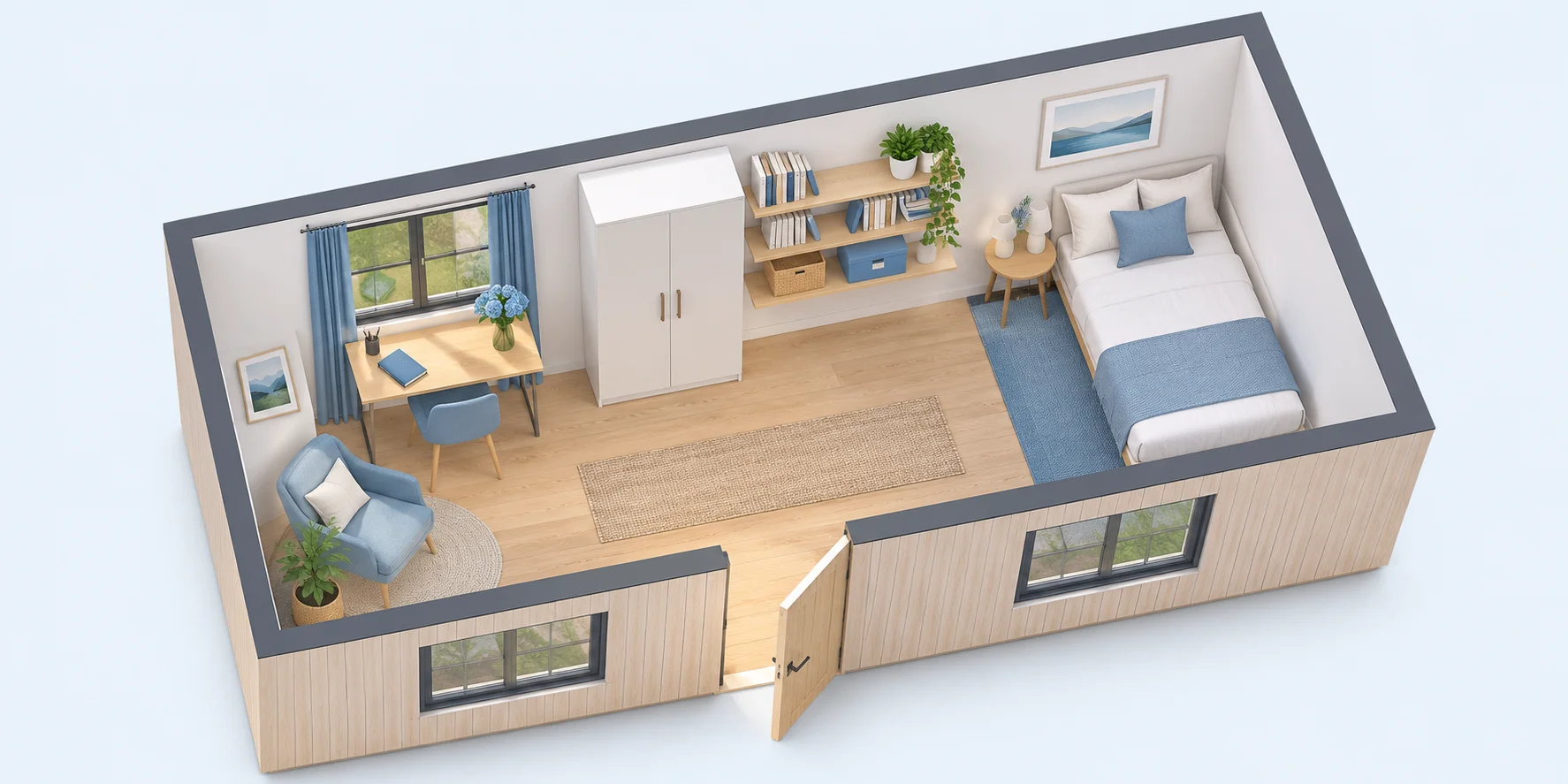 3D small-room concept showing workspace and storage; furniture is not automatically included
List equipment before planning electricity
Record equipment names, quantities, rated power and likely simultaneous use: computers, monitors, printers, kettles, refrigerators or specialist tools. Give this to a qualified electrician to assess the supply and outlet layout. Socket count does not establish electrical capacity.
A house with internal electrical fittings still needs its external connection and protective arrangements checked. Avoid solving too few outlets with chained extension leads. Plan permanent points with the electrician from the start.
Cooling, internet and sound
Have cooling assessed for sun, glazing, people and equipment heat. Position units for maintenance and avoid constant direct airflow onto occupants. Check outdoor-unit placement, circulation and condensate drainage.
Check which internet services reach the site before relying on wireless service as the primary connection. Keep router locations and network cables out of walking routes. For online meetings, assess road, machinery and neighbouring-room noise. Decorative acoustic material does not certify sound isolation.
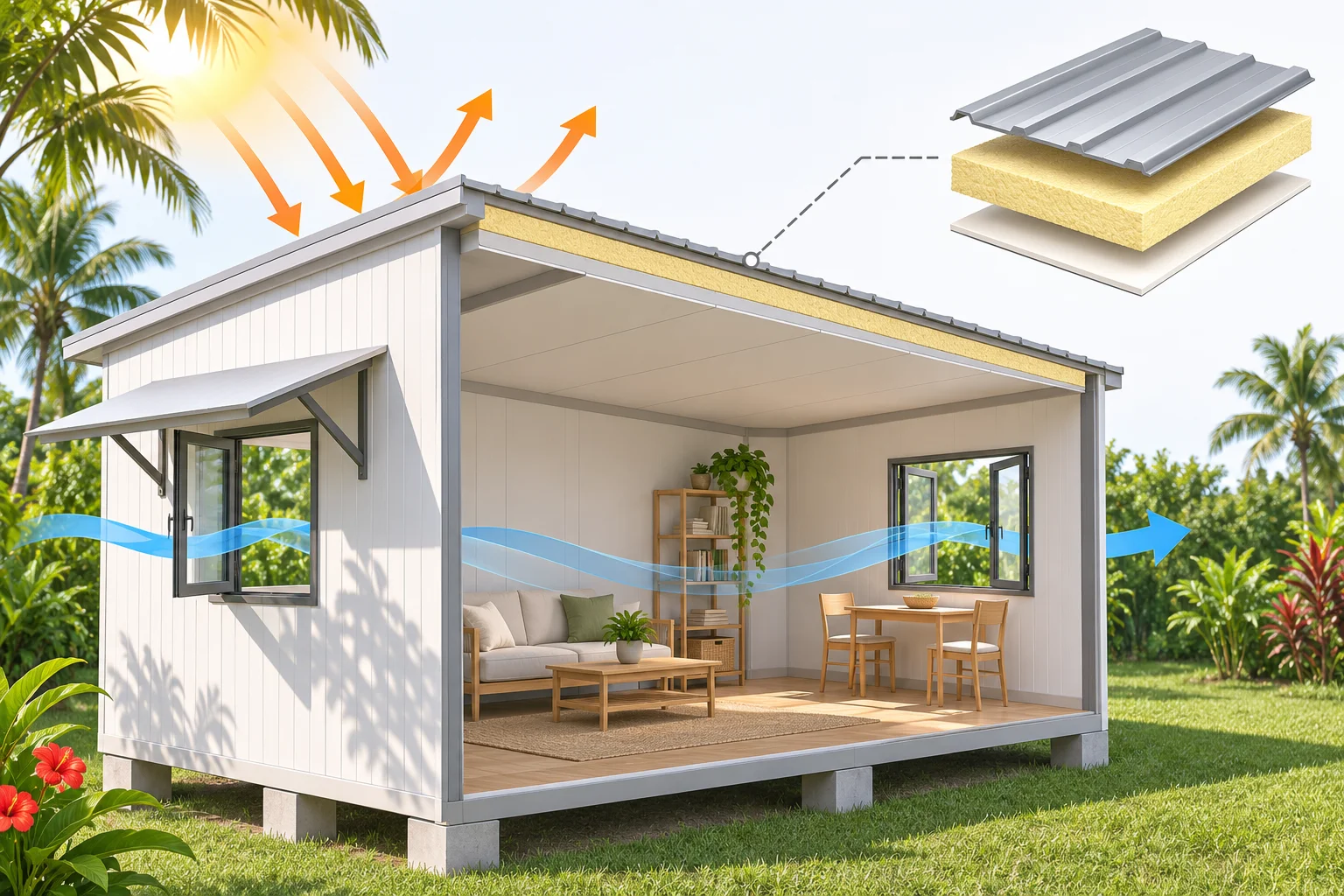 3D insulation and ventilation concept to accompany an assessment of actual cooling loads
Separate the budget and inspect before use
Itemise the house, foundations and site work, transport, positioning, external electrical work, air conditioning, internet and furniture. Use the total-cost checklist to avoid gaps between the seller and site contractor.
Before use, have the responsible people inspect installed systems, try desk and equipment positions, check doors and windows and record corrections. An appliance fitting a socket does not establish that the system can safely power it.
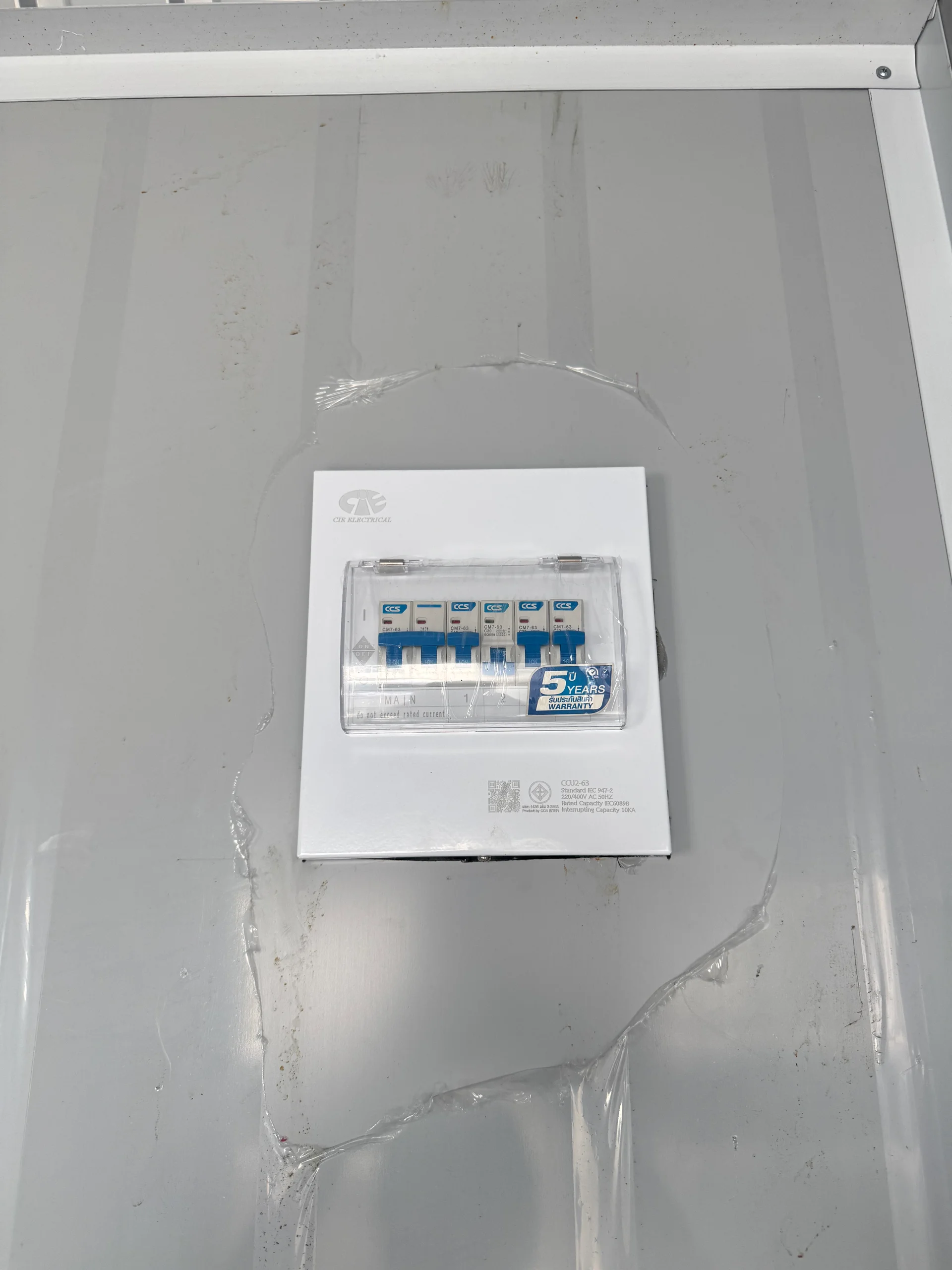 Electrical panel photo from the MAKAHAUS library; a qualified electrician must check circuits and protective devices for the actual use
Frequently asked questions
Does the office need an internal bathroom?
That depends on existing facilities, intended use and site requirements. An internal bathroom requires a revised layout, water supply, wastewater arrangements and budget, not just sanitary fittings.
How do I request a quotation?
Send occupancy, an outline layout, equipment list, district, province and site photos through MAKAHAUS contact channels. State what is already available, such as supports or a power supply, so the team can clarify the service scope.